
Professional conduit bending
Bend it right,
the first time.
Offsets, saddles, kicks and 90s calculated on one screen. Type in inches and fractions, pick your bender, and get marks with shrink already accounted for.

See it in action
Made for iPhone Duo, open or closed.


How it works
Put the scrap-conduit math away.
Choose your bend
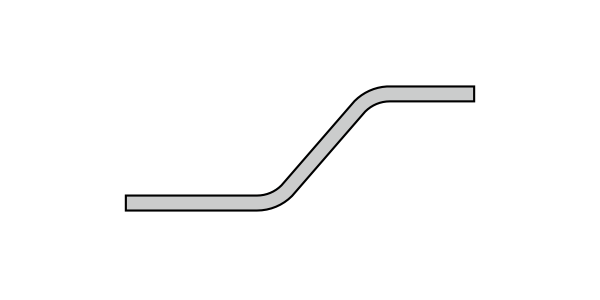
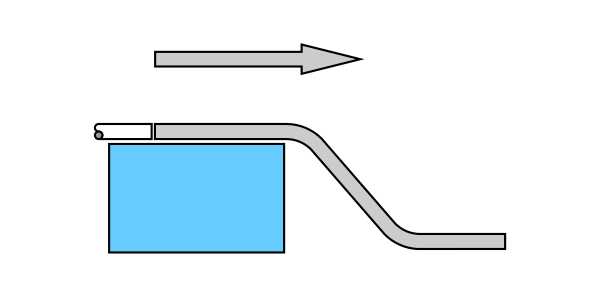
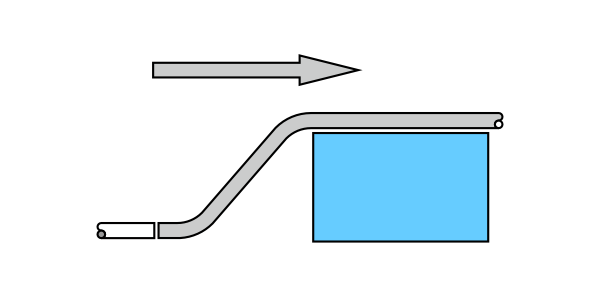
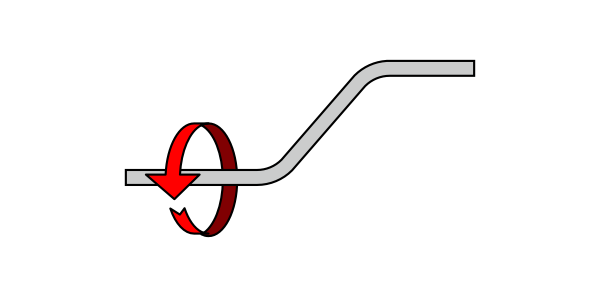
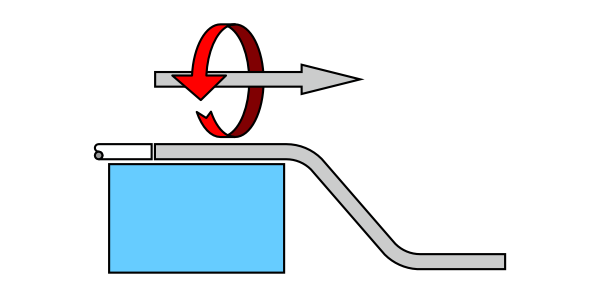
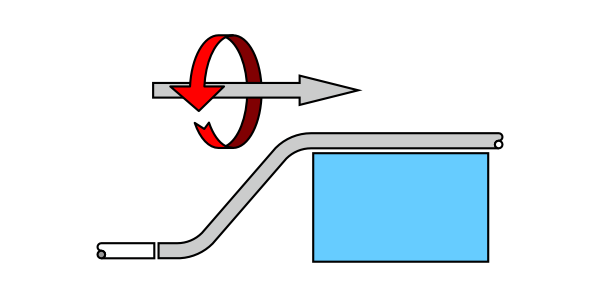
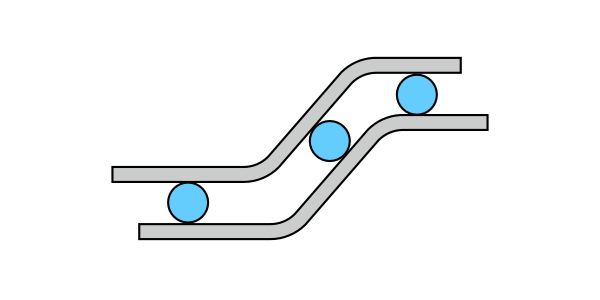
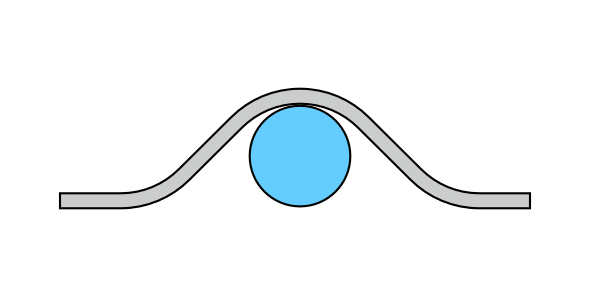
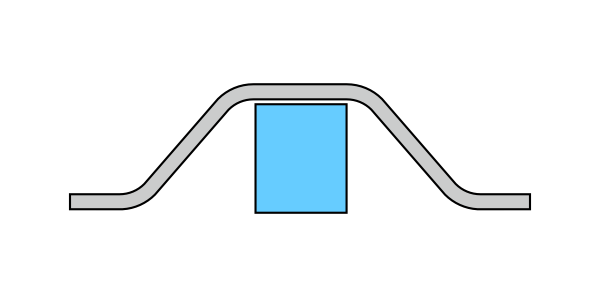
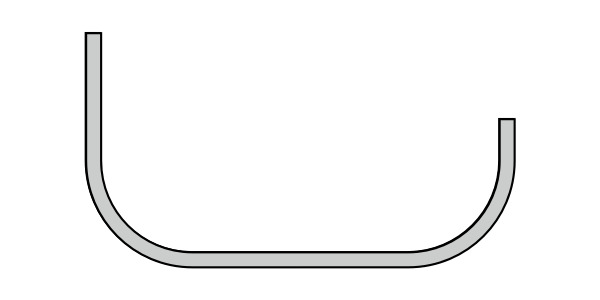
Offset, saddle, kick, segmented, back-to-back, or a 90 around a round or square obstruction.
Enter what you measured
The inch-and-fraction keypad takes 3 7/16" the way you read it off the tape. Or measure the angle with the built-in level.
Mark and bend
Every value updates on one screen as you type, using your bender's centerline radius, with shrink already worked in.
Bend types
Every bend on the job.




Features
Built for the field, rebuilt from scratch.
One-screen calculations
Every input and result on a single page, updating instantly as you type. No tapping through screens on a ladder.
Inch and fraction keypad
Enter measurements the way the tape reads them. No converting 7/16 to a decimal first.
Your bender, built in
Nearly 300 real benders from Greenlee, Milwaukee, Gardner Bender, Current Tools and iTOOLco, all customizable. Favorite the ones you own.
Centerline radius and shrink
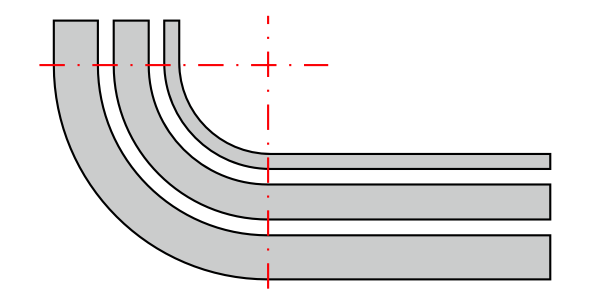
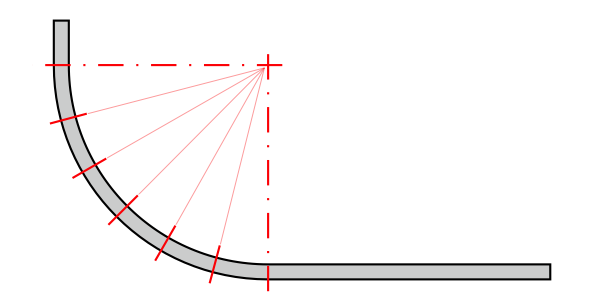
Calculations use the true centerline bending radius and account for shrink automatically.
Built-in level
Measure an existing angle with your phone and send it straight into the calculation. Big buttons mean you can keep your gloves on.
See the math
Multiplier-method screens show how every value was derived, and impossible bends are flagged before you waste a stick.


Apple Watch
Your phone stays in your pocket.
Offsets, rolled offsets and parallel offsets right on your wrist. Spin the Digital Crown to dial in inches, fractions and angle, and read your marks and shrink at a glance. iBend Pipe also runs on Mac and Apple Vision Pro.
Reviews
Trusted by electricians for years.
“Saddle calculations are on point every time.”
“Great app. I've been using it for years.”
“I've been using this app for about 10 years! And makes my work way faster and better. Thank you!”
“Been using for years. From power plants to space center!”
Questions
How much does iBend Pipe cost?
$4.99, one time. No subscription and no in-app purchases.
Which devices does it run on?
iPhone (including iPhone Duo, open or closed), Apple Watch, Mac with Apple silicon, and Apple Vision Pro.
Does it do metric?
Yes. Switch between English and metric units at any time.
Is my bender included?
Probably. iBend Pipe includes nearly 300 real benders from Greenlee, Milwaukee, Gardner Bender, Current Tools and iTOOLco, and you can customize any profile to match your own.
Where do the bending multipliers come from?
From a right triangle: the multiplier is 1 ÷ sin of the bend angle, which is why 30° is exactly ×2. Read the full explanation.
How do I get help?
Email support@ibendpipe.com.
Stop wasting sticks.
Get exact marks for every bend, for less than the cost of one ruined length of conduit.
Get iBend Pipe for $4.99